
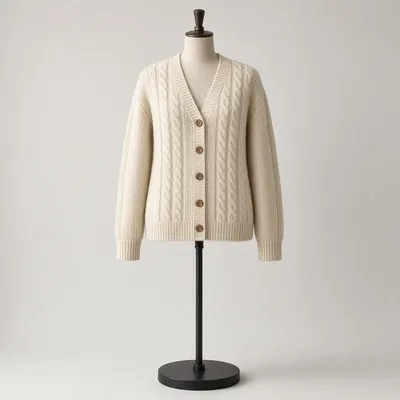
 Your photo
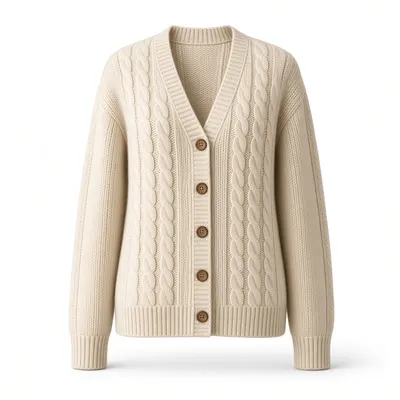 Result
On a mannequin
Dress forms and shop mannequins are removed completely, including the pole, the base and the neck cap.
Tip: Shoot straight on with the whole garment in frame.
Upload the photo. Get the ghost mannequin back.
Drop a mannequin, hanger, flat-lay or on-model photo into this ghost mannequin generator. It removes whatever holds the garment up, rebuilds the hollow neck and sleeve openings, and returns a clean product image in about a minute.
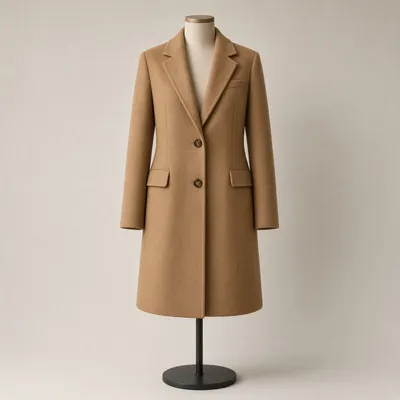 Before
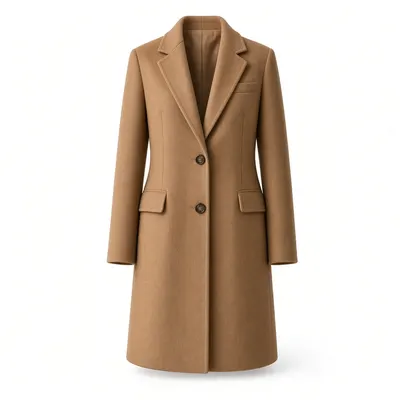 Ghost mannequin
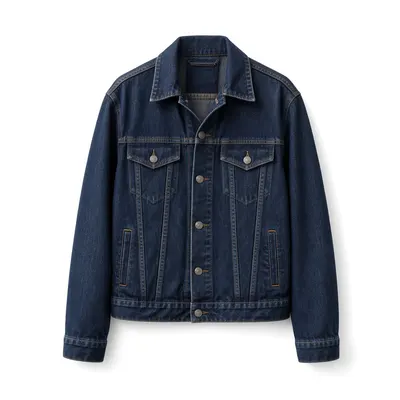
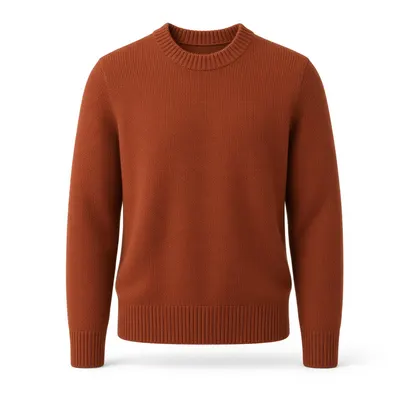
Same garment, same stitching, same colour — the ghost mannequin generator only removes what was holding it up. Real output, not an illustration.
No photo handy? Open a saved ghost mannequin example
A ghost mannequin generator is also called an invisible mannequin tool, a hollow man effect maker, or a 3D mannequin maker.
A ghost mannequin generator turns a photo of a garment on a mannequin, a hanger, a table or a person into a product image where the clothing keeps its full three-dimensional shape and nothing sits inside it. The garment looks worn, but no mannequin, hanger or model appears in the frame.
The classic method needs two or three exposures: the garment on a mannequin, then the inner collar and back neck shot on their own. A retoucher then composites the layers in Photoshop and paints out every mannequin edge. A ghost mannequin generator replaces that pipeline with a single upload.
This ghost mannequin generator reads the garment in your photo, removes the support, rebuilds the hollow neck, collar and sleeve openings, and places the result on the background you choose. Colour, texture, stitching, labels and prints stay as photographed. It adds the ghost mannequin effect and does not redesign the product.
The ghost mannequin generator accepts four kinds of source photo. Use the one you already have, and follow the shooting tip for the cleanest result.
Your photoResultDress forms and shop mannequins are removed completely, including the pole, the base and the neck cap.
Tip: Shoot straight on with the whole garment in frame.
 Your photo
 Result
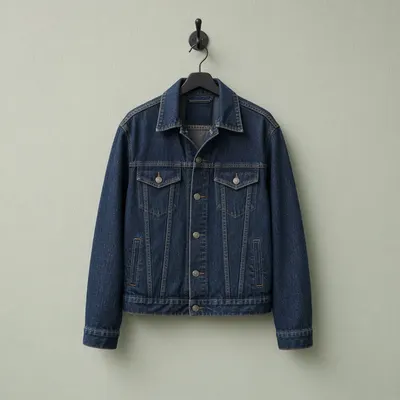
The hanger, hook and any clips are removed, and the garment is reshaped as if it were worn.
Tip: Hang it against a plain wall in even light.
 Your photo
 Result
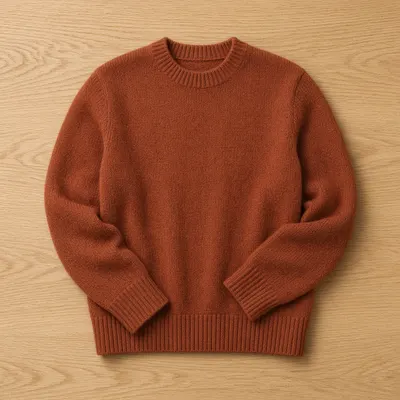
A garment laid on a table becomes a full worn shape with real chest and shoulder volume.
Tip: Smooth the fabric and leave the neck label visible.
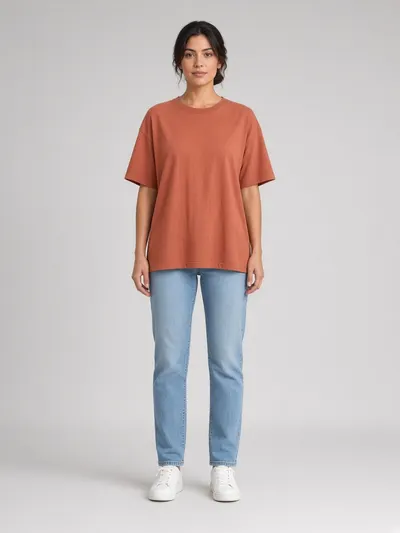 Your photo
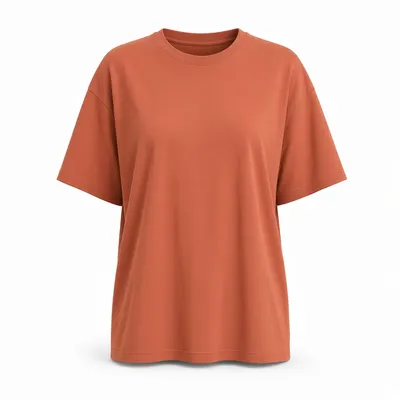 Result
The person is removed and the garment is rebuilt as if it sat on an invisible body.
Tip: Choose a pose with the arms away from the torso.
Choose how the ghost mannequin generator should finish the image before you generate, so the result fits the page you are listing on.
Pure white gives a clean studio backdrop for marketplace main images. Keep original changes only the mannequin and leaves your own background untouched.
Choose a 1:1 square for most storefronts or a 4:5 portrait for taller product grids. Size applies to the pure white output.
Balanced margins leave room around the garment. The 85% fill option makes the garment larger in the frame for tight marketplace crops.
Front is the straight-on default. The 45° angle turns the garment slightly, but that view has to be imagined, so check the details.
Add a shot of the inside of the neck and the ghost mannequin generator rebuilds the hollow collar from your real garment.
Selling on a specific marketplace? The ghost mannequin AI on our homepage has one-click presets for Shopify, Amazon, Etsy and Depop.
No mannequin to dress, no second exposure and no hours cutting neck joints. Just the photo you already have.
Add a mannequin, hanger, flat-lay or on-model shot. JPG, PNG and WebP files up to 20 MB are accepted.
Pick the background, size, framing and view, and add an inner collar photo if you have one.
The ghost mannequin generator rebuilds the garment in about a minute. Check the result, download it, or try another setting.
Structured or soft, heavy or light, the ghost mannequin generator adapts the reconstruction to how each fabric actually hangs.
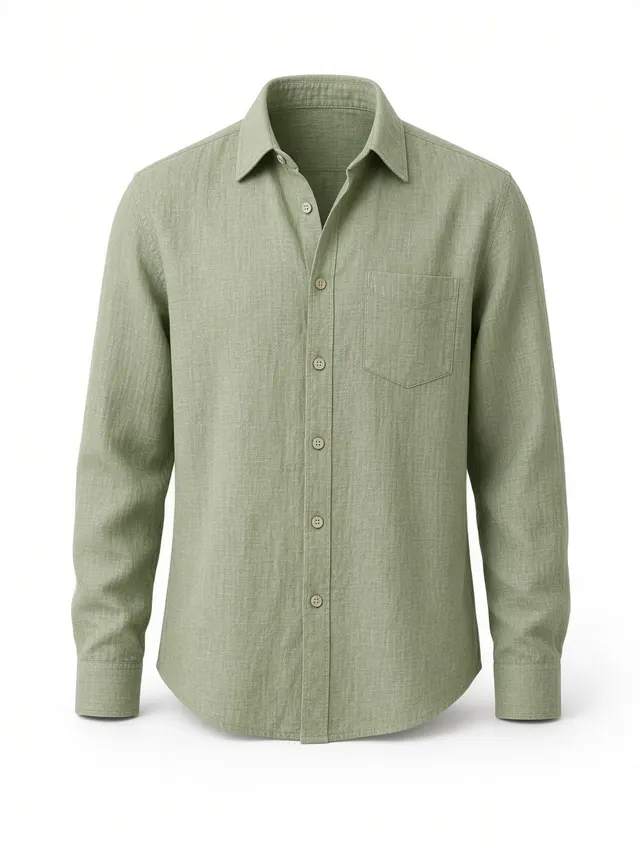
Collar stand, placket and cuffs kept sharp
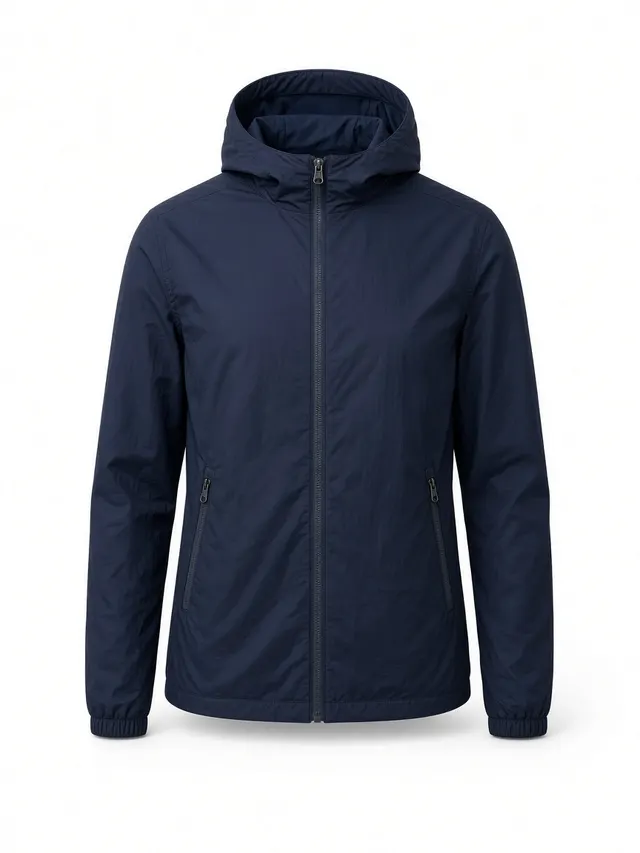
Hood shape, zips and pockets stay intact
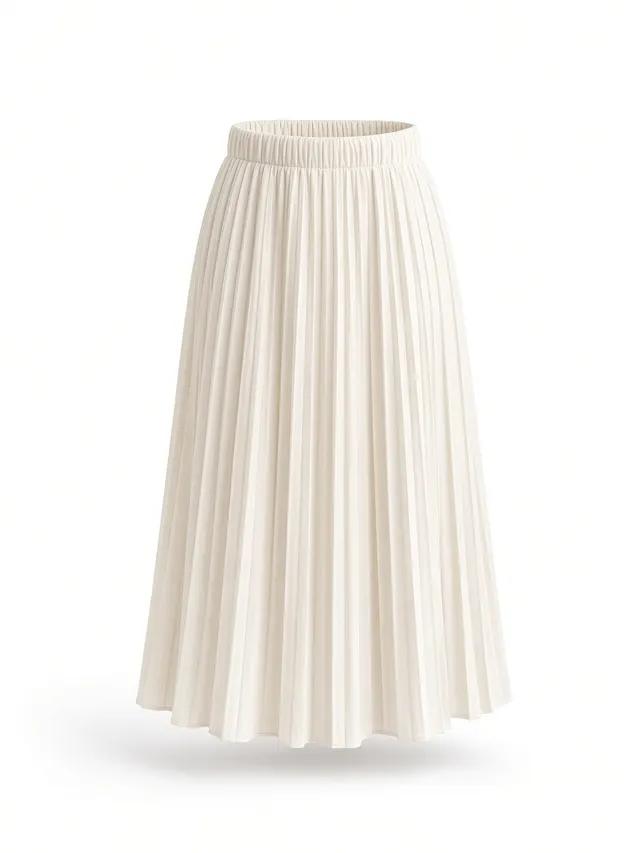
Waistband hollow and pleat fall rebuilt
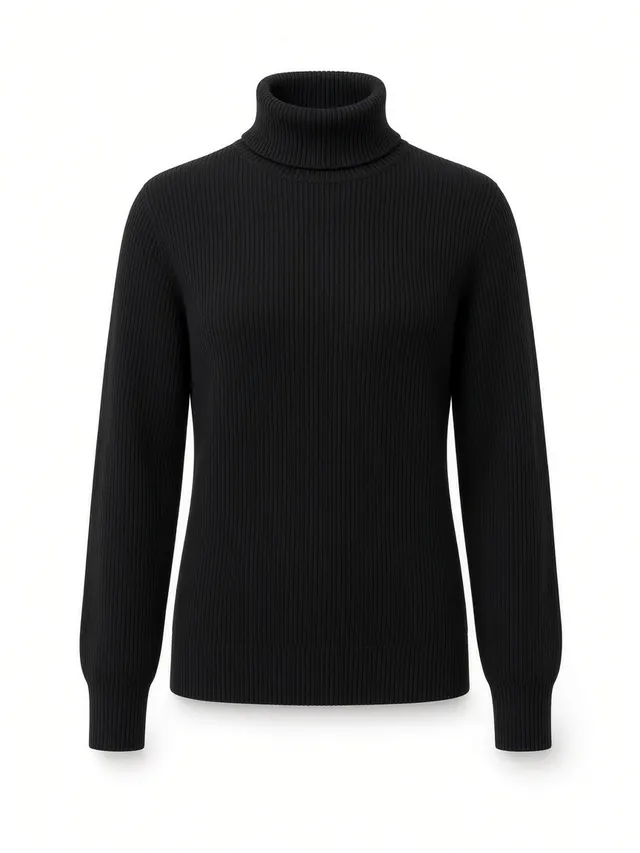
Rolled necks and ribbed cuffs held in shape
A ghost mannequin generator reconstructs the parts of the garment the camera could not see, so treat every result like a retouched proof and compare it with your source photo.
Confirm the back neck shows the depth and label you expect.
Compare logos, slogans and graphics letter by letter with the source.
Count them. Small hardware is the first thing a ghost mannequin generator can misplace.
Check that lengths and cuffs match the real garment.
Transparent areas are the hardest to rebuild and may need a touch-up.
The garment should look worn on an invisible body, not flat or collapsed.
If something is off, generate again from a sharper source photo or add an inner collar photo. Complex sheer and lace pieces may still need a manual touch-up after the ghost mannequin generator has done the heavy lifting.
The finished image can look similar. The time and the consistency across a catalog do not.
You shoot the garment on a mannequin, then shoot the inner collar separately. After that you mask, composite and paint out the mannequin edges by hand. It takes roughly 20 to 40 minutes per image, and the quality drifts from one session to the next.
One upload, no masking and no second exposure. A result takes about a minute, and every image starts from the same settings, so a whole catalog keeps one look. It suits catalog work; campaign and editorial shoots still belong in a studio.
What sellers ask before they run their first ghost mannequin photo.
Your first result is free and needs no account. After that, sign in to use the free credits that refresh every day. No credit card is required to try the ghost mannequin generator on your own products.
Upload one garment photo and see the result in about a minute. Your first ghost mannequin is free and needs no sign-up.
Open the ghost mannequin generator →